 Zombie Nation
Almost everything on this server opens with a chat command. Type /binds in game and you can open them all with a single key instead.
Set them all at once
- Type
/bindsin chat. The Keybind Catalog opens with a suggested key for each shortcut, all keys Rust leaves free. - Change any key you like: click it and pick another on the keyboard map.
- Press Copy all. Click the line it shows, then Ctrl + A and Ctrl + C.
- Press F1, paste with Ctrl + V and press Enter.
- Press the first key once (I by default). That press sets every other bind, then the key goes back to opening your backpack.
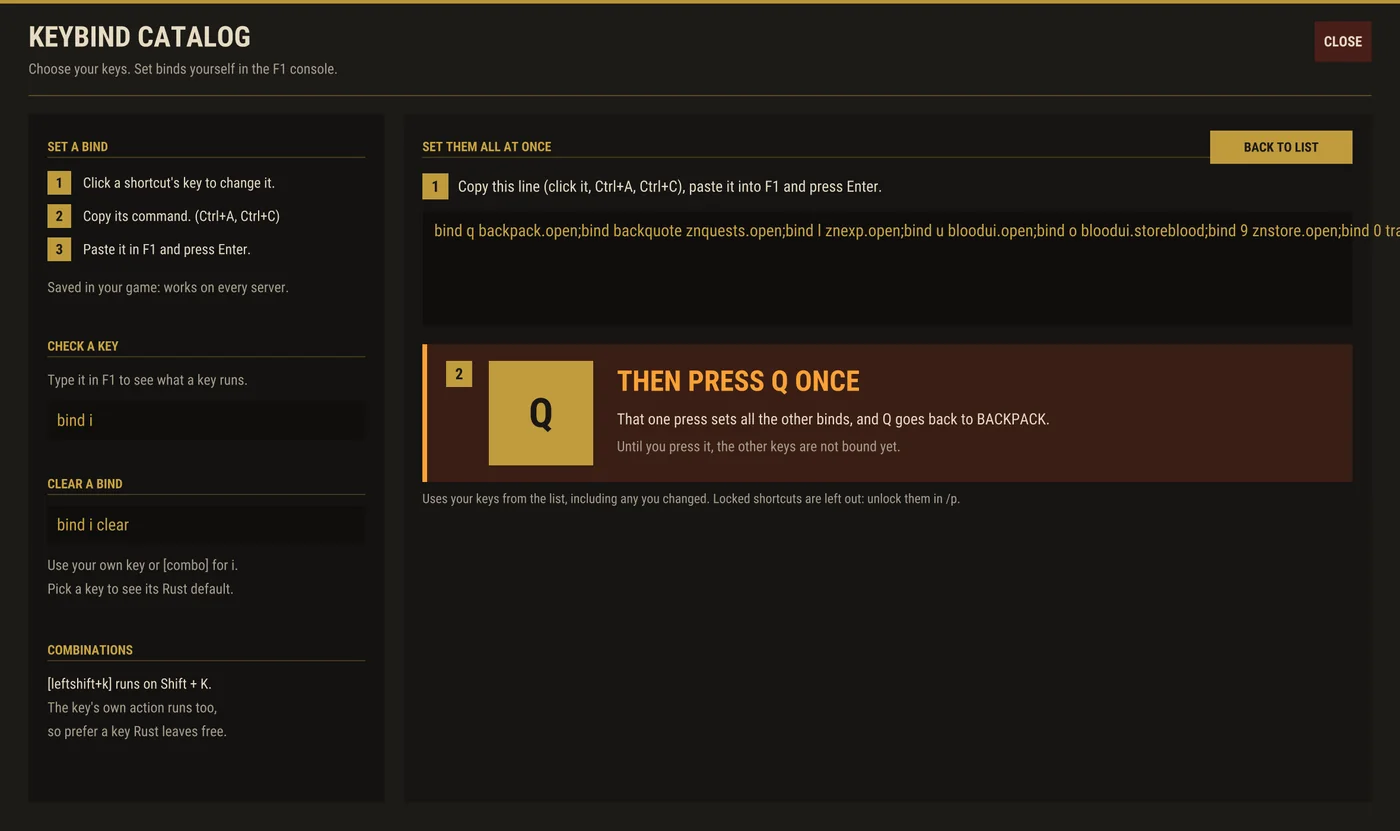
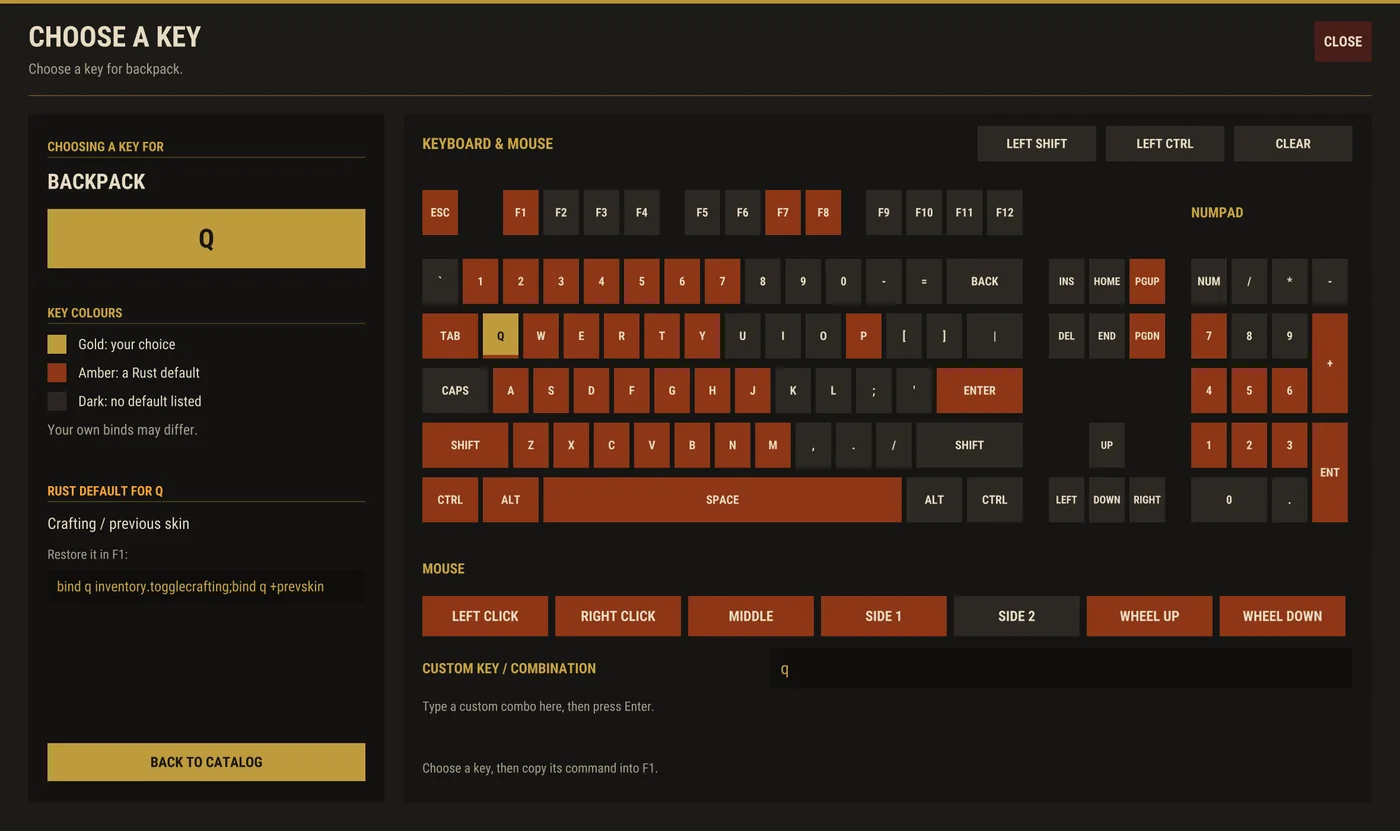
Why the extra key press? Rust's F1 console only takes one bind per line, so the line sets one key whose job is to set all the others.
The shortcuts
These are the suggested keys. To set just one, copy its line into F1.
| Key | Opens | F1 line |
|---|---|---|
| I | Backpack | bind i backpack.open |
| ` | Quests, /q | bind backquote znquests.open |
| L | Perks and skill trees, /p | bind l znexp.open |
| U | Blood bank, /blood | bind u bloodui.open |
| O | Deposit all Blood as RP, no window | bind o bloodui.storeblood |
| K | Virtual quarries, /mm (perk) | bind k virtualquarries.open |
| 8 | Super Smelter, /smelt (perk) | bind 8 virtualsmelter.open |
| 9 | RP store, /s | bind 9 znstore.open |
| 0 | Trade, /trade | bind 0 tradeui.open |
| - | Sell, /sell | bind minus tradeui.sellopen |
| F9 | Screenshot mode, /shot: hides the server's panels | bind f9 znshot |
Shortcuts for perks you have not unlocked yet show as locked in /binds, with the /p perk that unlocks them.
Checking and clearing a key
- See what a key does: type
bind iin F1. - Clear a key:
bind i clearin F1. - A combination like
[leftshift+k]works, but Rust also runs the plain key's own action, so prefer a free key.